


Honeybetz App
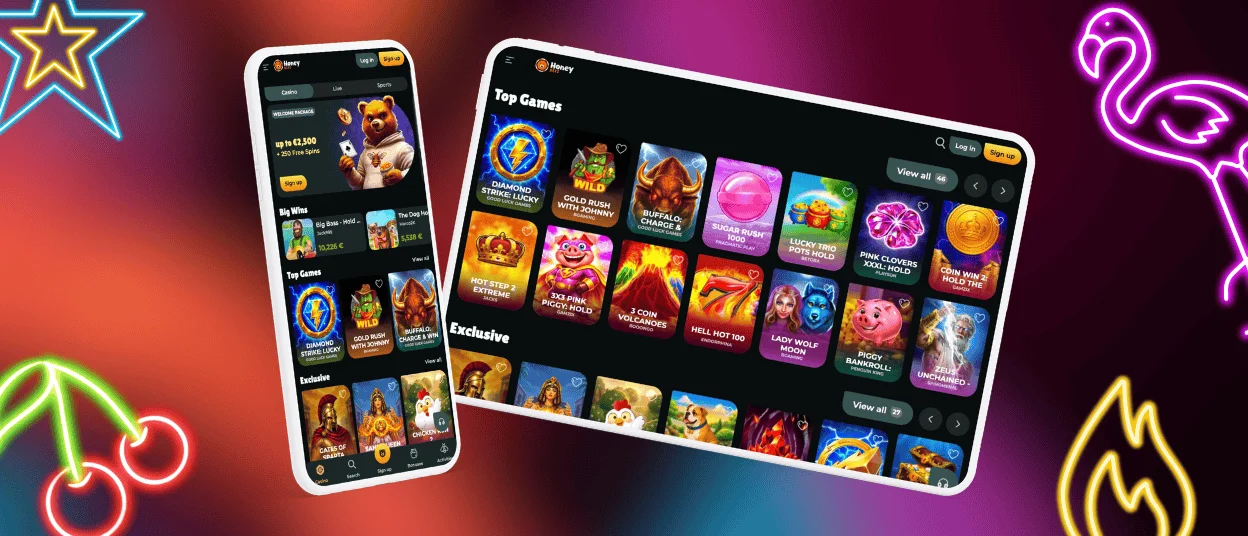
The Honeybetz app is the mobile and web platform of our casino that lets players access games on smartphones, tablets, and desktops. The platform connects you straight to the main lobby using your standard mobile browser. You can spin online slots, open live dealer tables, handle instant deposits, and complete the account verification process here.



Honeybetz Mobile Gaming Platform
As a browser-based PWA, our mobile casino lets players play right away, without having to download anything from an app store. The web solution automatically syncs your Honeybetz Casino profile settings, active bonuses, and wallet balance across all your screens. You can switch seamlessly between your home computer and your mobile phone without losing your active session.
| Feature | Honeybetz App | Desktop PC |
| How You Connect | Quick home screen browser icon | Standard desktop web browser |
| Screen Layout | Switches between portrait and landscape | Fixed widescreen monitor view |
| Controls | Touch taps and easy screen swipes | Mouse clicks and keyboard shortcuts |
| Playing Style | On-the-go gaming anywhere you want | Settled session at your desk |
What Are the Benefits of Using Honeybetz on Mobile?
Playing on the Honeybetz app through your phone’s browser gives you a fast, lightweight experience that adjusts to any screen size. Here is a brief look at the main trade-offs.
Pros:
- You don’t have to install software or visit an app store to start playing.
- The site works on almost any phone or tablet, old or new.
- Every time you open the lobby, you’re automatically on the newest version of Honey Betz Casino.
- Your phone memory stays completely free since no app files sit on your device.
Cons:
- A weak cellular connection or shaky Wi-Fi will interrupt your game mid-spin.
- Complex slots and live streams can feel a bit squished on smaller displays compared to a computer monitor.
Honeybetz on Android
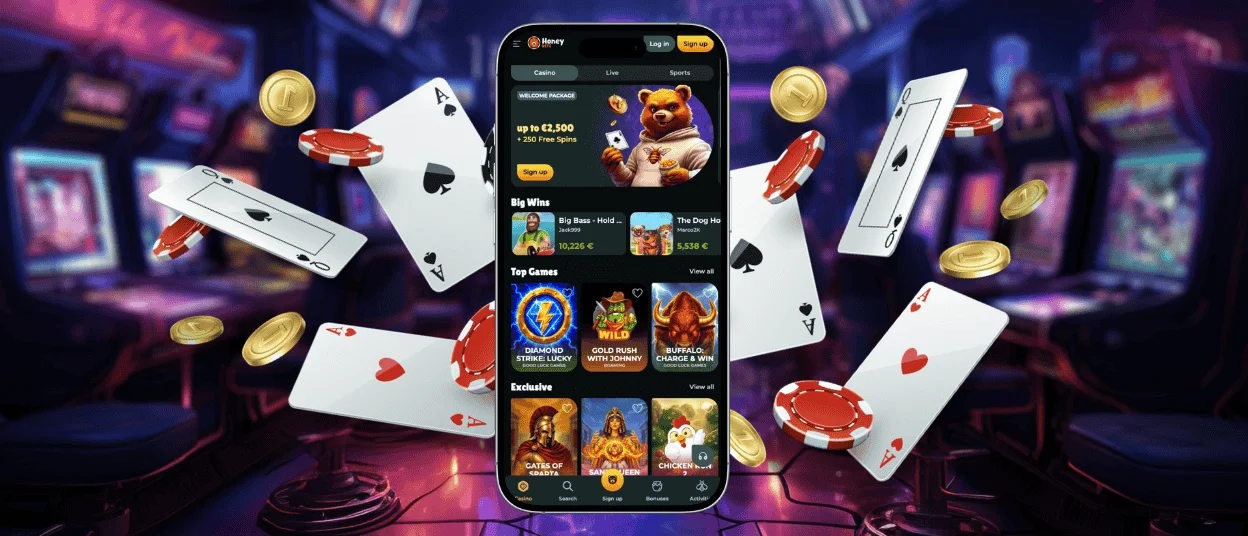
The Honeybetz app on Android requires Android 8.0 or higher and runs on most modern smartphones and tablets. The site layout adjusts automatically to fit different phone displays. Essential buttons are easy to reach with a single thumb. Games inside the lobby open rapidly, keeping system resource usage light so older phone hardware stays cool and responsive during longer playing sessions at Honeybetz Casino.
How Do I Install the App on Android?
Saving our web shortcut adds a quick launcher to your phone. It gives you instant, one-tap access to the lobby so you get a smooth gaming experience every time you open the Honey Betz app on the go.
- You should open Chrome (or your favorite mobile browser) on your phone and head to the official homepage.
- Here, you can tap the three dots in the top-right corner of your screen to pull up the browser menu.
- You select “Add to Home Screen” (or “Install App”) from the options list.
- Finally, you will confirm the prompt, which pins the casino icon directly onto your main home screen grid.
How Can I Get the Honeybetz App on iPhone or iPad?
Honeybetz Casino on iPhone and iPad is accessed through Safari/PWA installation, not through the App Store. Apple users do not need to search through iOS marketplace listings or change their regional account settings to find a mobile client. Instead, simply launch Safari, open the primary site, tap the Share icon at the bottom of the screen, and select “Add to Home Screen.”
This action places a clean application icon right onto your iOS home grid. Tapping this launcher opens the Honey Betz Casino platform in full-screen view, stripping away standard browser frames for an immersive, app-like environment. You maintain full access to all banking options, real-money games, and quick answers from the support team right from your iPad or iPhone.
Honeybetz on Desktop
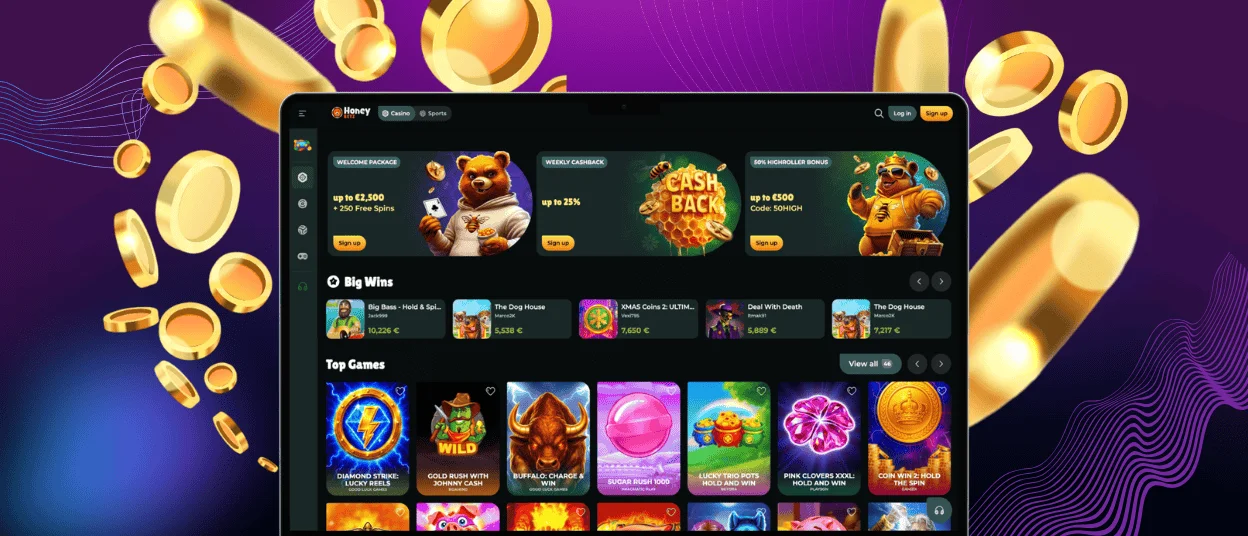
Our platform on Windows and macOS is accessed through a web browser such as Chrome, Safari, or Edge, with no download needed. The Honeybetz Casino is displayed on the large display format of desktop computers, which makes it easier to track multi-table live action and complex online slots.
Desktop monitors can take advantage of full-screen display options for high-resolution game graphics. There’s no need to rely on mobile touch controls, as you can change your stake size quickly with dedicated keyboard shortcuts.
Honeybetz Security and Account Access
Keeping your personal records and balance protected is a core operational standard. Safety protocols run continuously behind the scenes whenever you log into Honeybetz Casino:
- HTTPS is used to encrypt all connections.
- Since updates are sent automatically, the risk of using old software is lower.
- There’s no need to sideload APKs, which lowers the risk of malware.
If you ever experience issues signing in or need to reset your account password, launching a Honeybetz live chat conversation connects you with a real support agent within two minutes.
FAQ
Are all games available in the Honeybetz app?
Yes, the complete catalog of online slots, digital table games, crash games, and live dealer streams is fully playable on the mobile client. Game developers build modern titles using HTML5 technology, ensuring that every Honeybetz Casino slot and table game scales smoothly across mobile phones and desktop displays without losing bonus features or graphical quality.
Do I need an account to use the Honey Betz app?
You can visit the lobby and try out virtual games in free demo mode without opening an account. However, if you want to deposit, collect promotional bonuses or play for real money at live tables, you will have to go through the regular registration and verification process.
Can I enable auto-login on the Honeybetz mobile site?
Yes, you can save your information in your mobile browser’s encrypted password manager and log in automatically with fewer steps on the Honeybetz Casino mobile site. But for security reasons, if you log in from a new device or a new internet network, the system will still require manual verification or two-factor verification.


